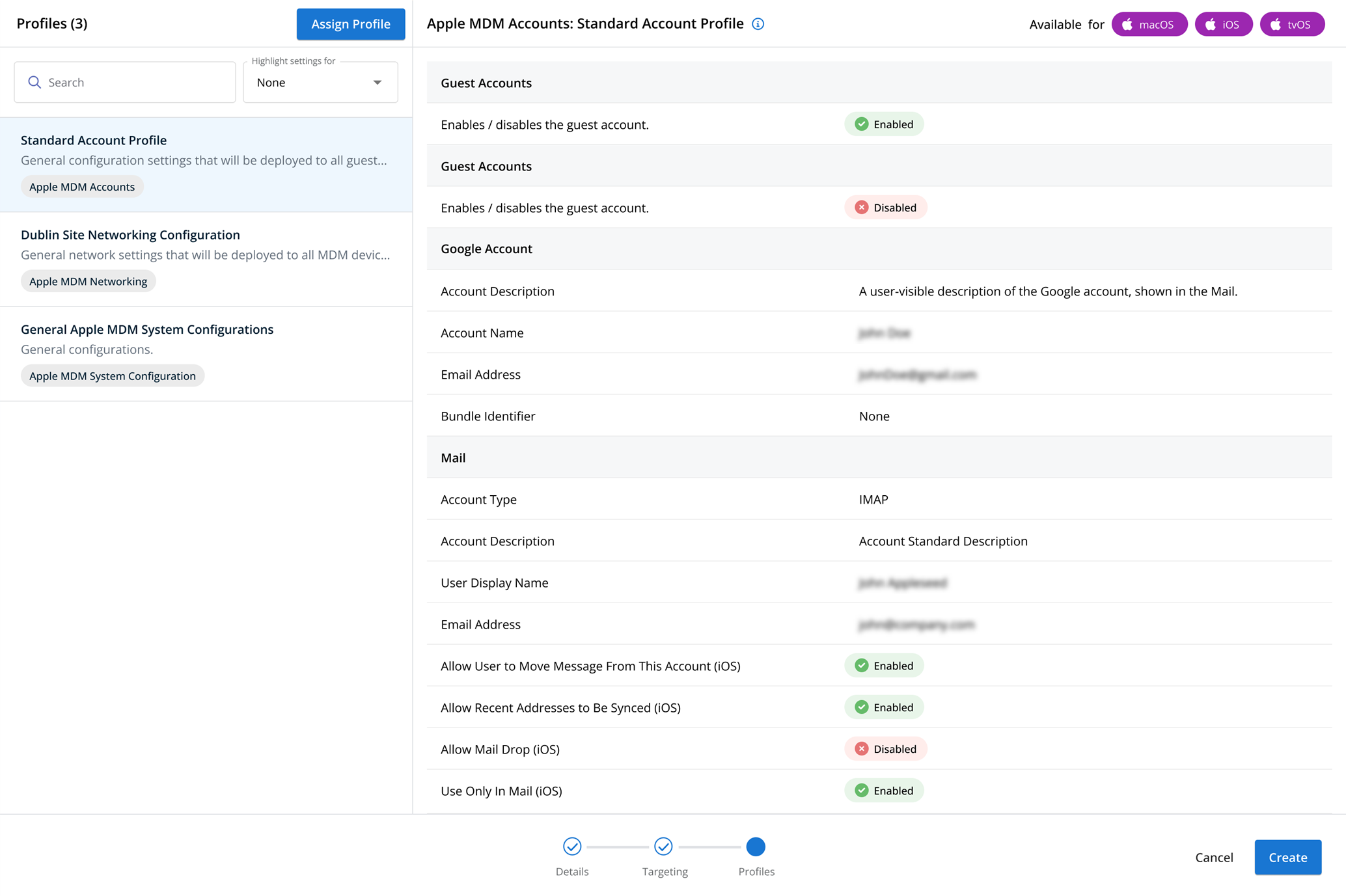
Location Tracking profiles
NAVIGATION Administration > Configuration > Profiles > New Profile > Location Tracking profile type
NAVIGATION Administration > Configuration > Profiles
PERMISSIONS Administrator
Using the Location Tracking profile, you have the ability to enable and configure location tracking on MDM managed iOS and iPadOS devices.
You can define how often a device location is updated, as well as how accurately a device's location is tracked.
Profile configuration settings
 Enable Location Tracking

Select Enable Location Tracking to enable or disable location tracking.
Tracking Interval
Define how often the device location should be updated. Shorter intervals provide more frequent updates but can increase battery consumption.
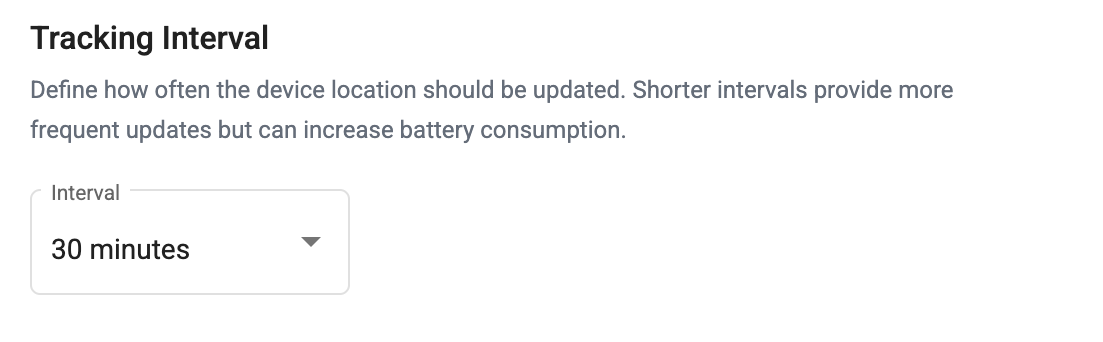
You can choose from the following options in the Interval dropdown:
- 5 minutes
- 15 minutes
- 30 minutes
- 1 hour
- 3 hours
- 6 hours
- 12 hours
- 24 hours
NOTE The device must be online in order for location data to update.
Tracking Mode
Choose how accurately the device location is tracked.
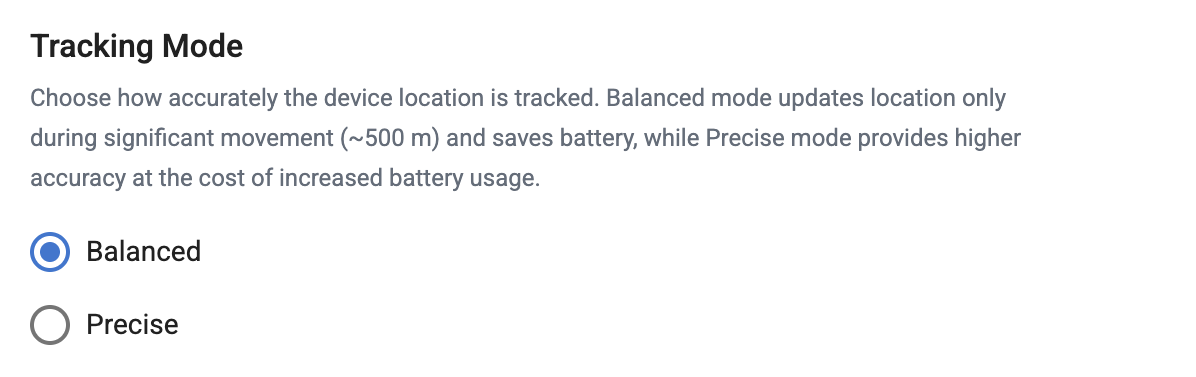
You can choose from the following options:
- Balanced: Balanced mode updates the device's location only during significant movement (~500m). This option uses less battery than Precise mode.
- Precise: Precise mode provides higher location accuracy at the cost of increased battery usage on tracked devices.
How to...
Create the profile
To create an MDM configuration profile, perform the following steps:
- From the left navigation menu in your Kaseya MDM instance, navigate to Configuration > Profiles.
- At the top of the Folders list, click All Profiles.
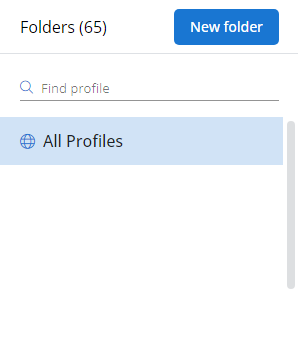
- In the Profiles pane, click New Profile.
- In the Details section of the Create New Profile page, enter a name and a brief description for the profile.
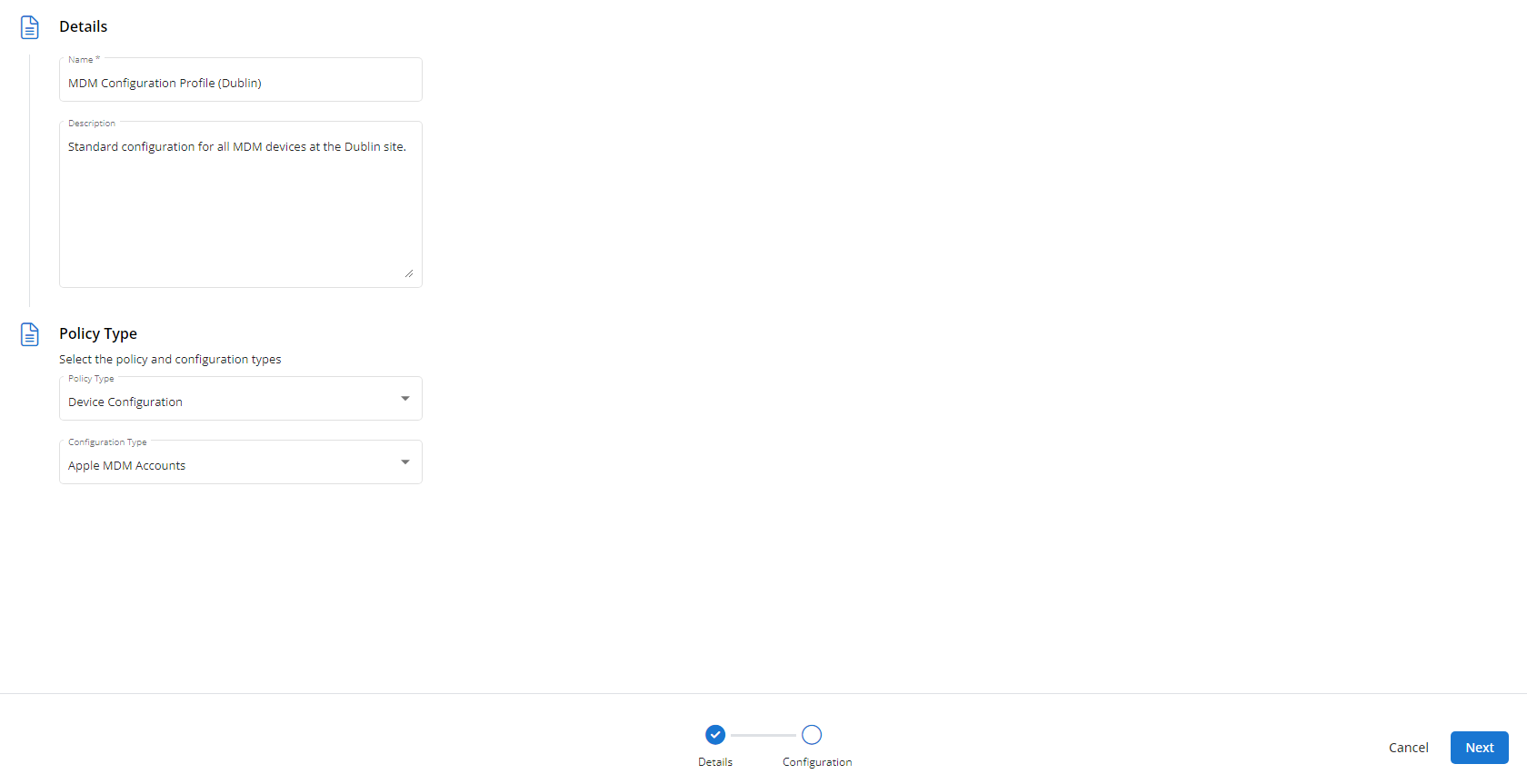
- In the Policy Type section, select Location Tracking.
- Click Next.
- Customize the profile to your needs. Reference the Profile configuration settings section, if needed.
- When you've finished customizing the profile, click Create.
Assign the profile
Next, you'll need to create a policy that defines the devices to which you'd like to automatically apply your configuration as follows:
- Navigate to Administration > Configuration. Create a new policy or edit an existing policy.
- Click Assign Profile.
- Locate the profile you'd like to use. Select it by clicking the radio button next to its name.
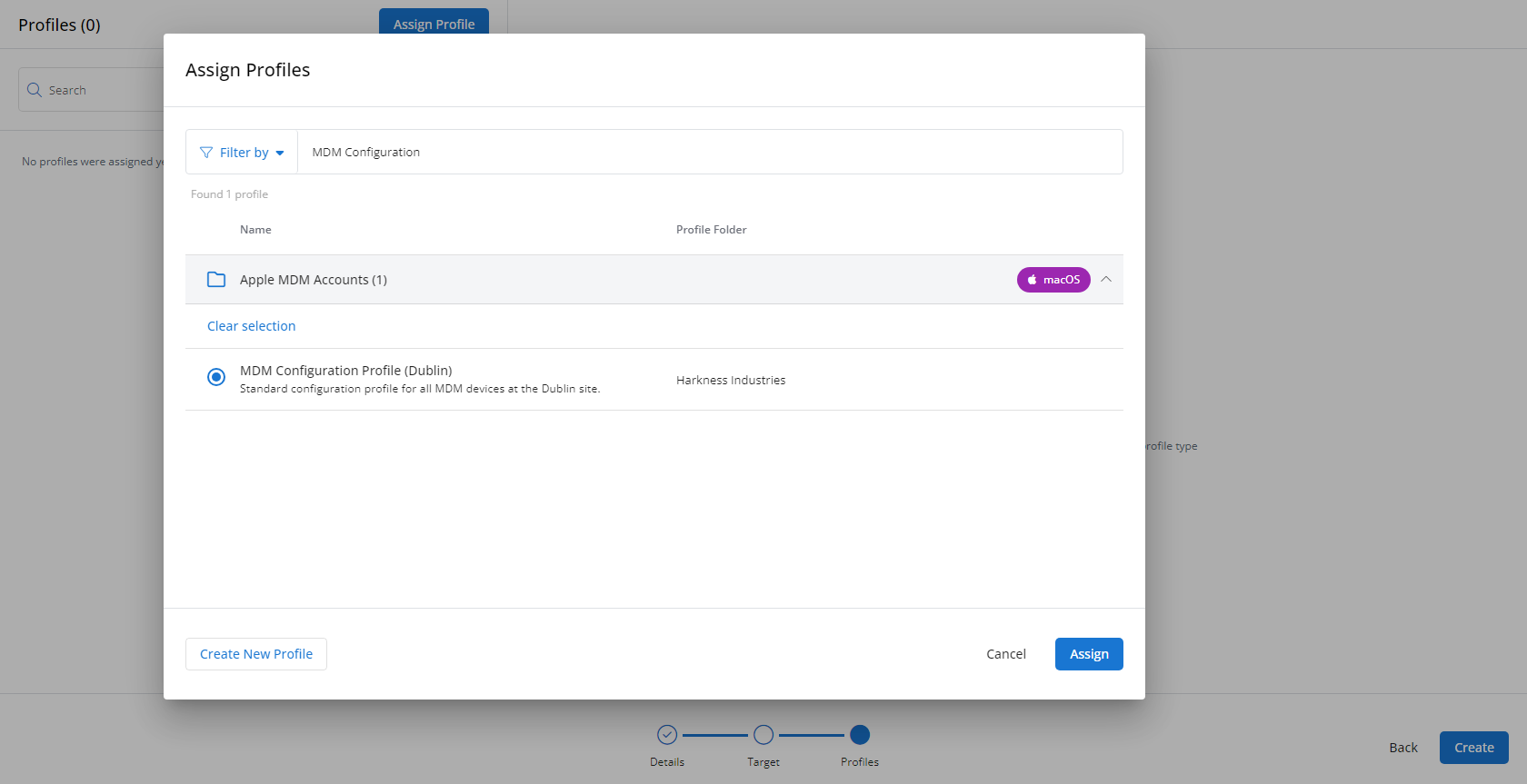
- Click Assign.
- Kaseya MDM will begin enforcing the selected profile immediately. You can view it in effect at Configuration > Policies.